Analyzer Interface Settings
Connect your laboratory equipment to ALIS. Download the interface application, explore supported analyzers, and find the guides you need to get started.
m-PIMA results received
Summary of results submitted through the analyzer interface API.
Waiting for the first result
Supported laboratory analyzers
Swipe or use the arrows to browse equipment that connects with ALIS.
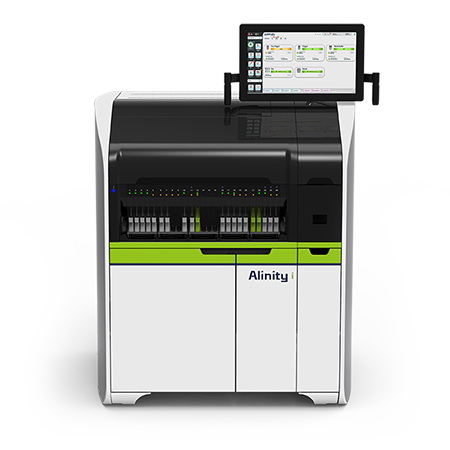 Interface ready
Abbott AlinityM
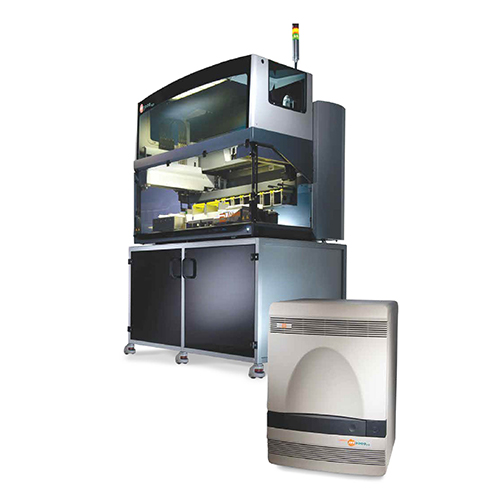 Interface ready
Abbott M2000
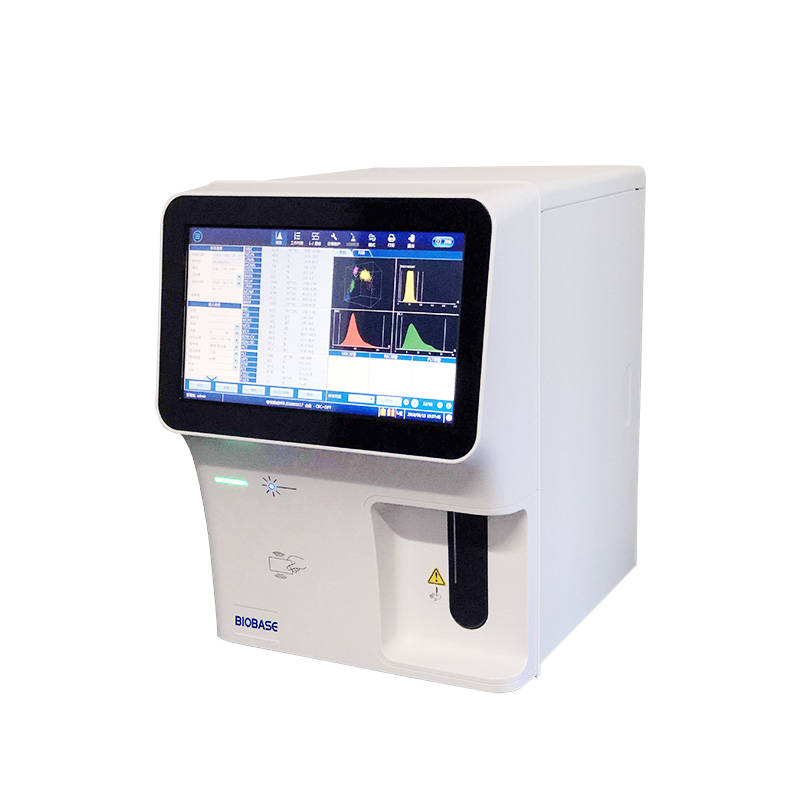 Interface ready
Biobase FBC Analyzer
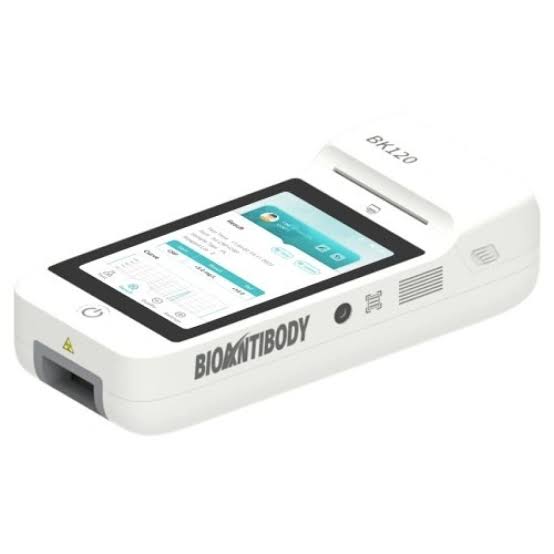 Interface ready
BK120 Bioantibody Analyzer
 Interface ready
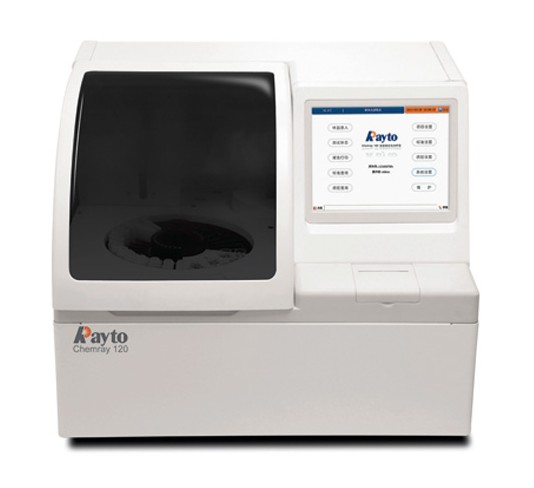
Chemray 120
 Interface ready
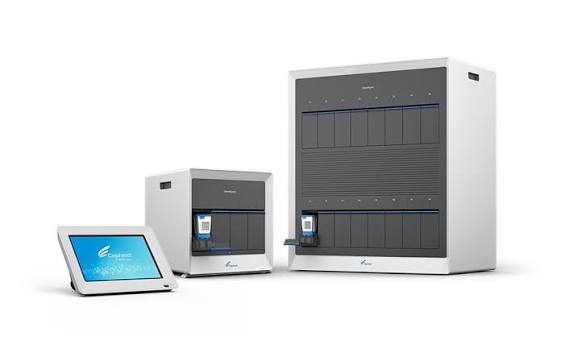
Genexpert
 Interface ready
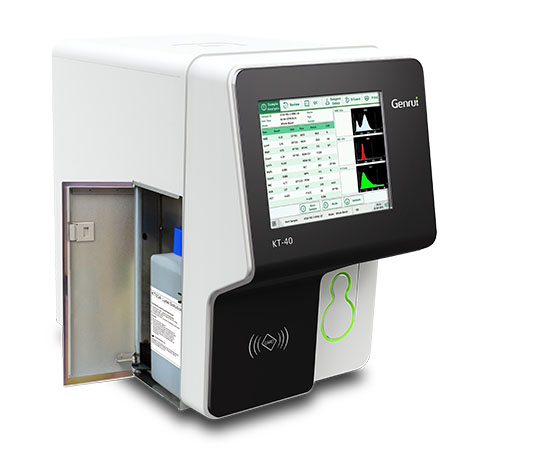
Genrui KT 60 Analyzer
 Interface ready
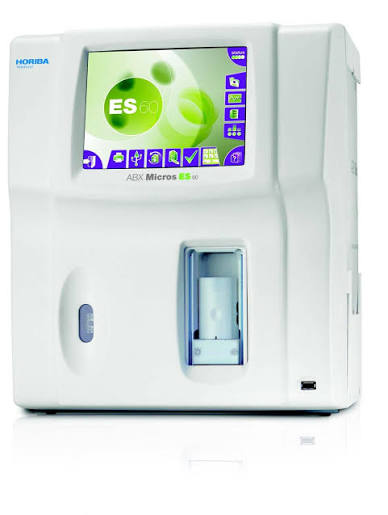
Horiba Micro ES 60
 Interface ready
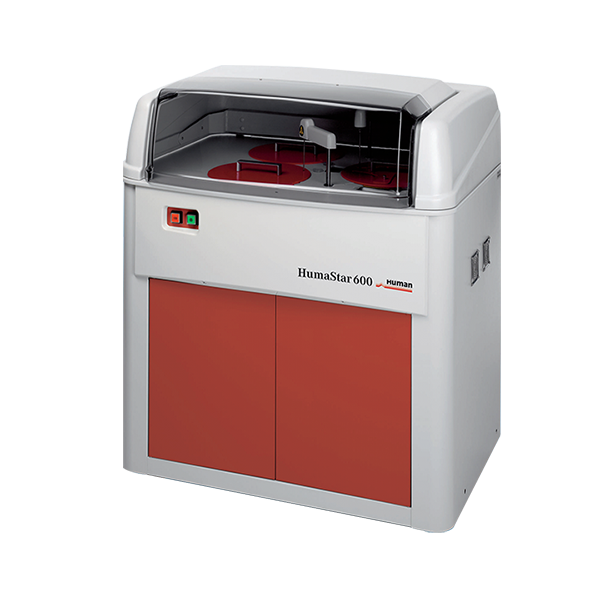
Humastar 600
 Interface ready
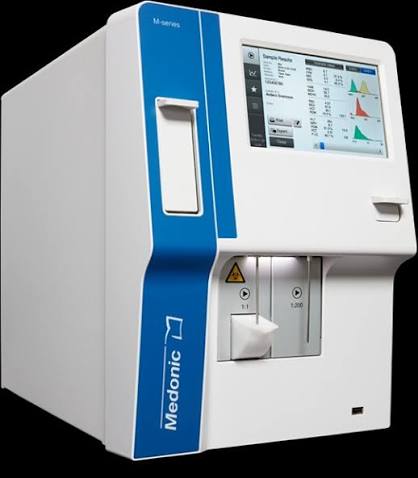
Medonic Mseries
 Interface ready
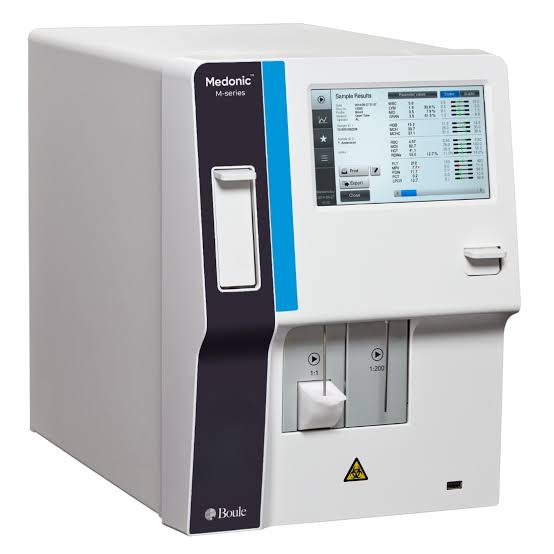
Medonic Mseries Boule
 Interface ready
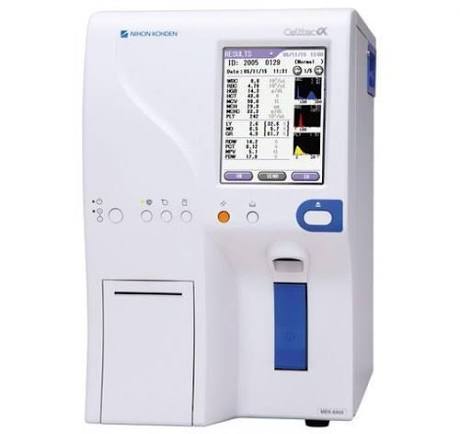
Nihon Kodhen FBC Analyzer
 Interface ready
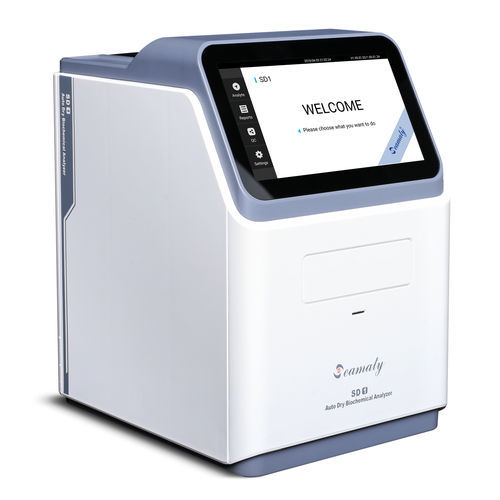
Seamaty
 Interface ready
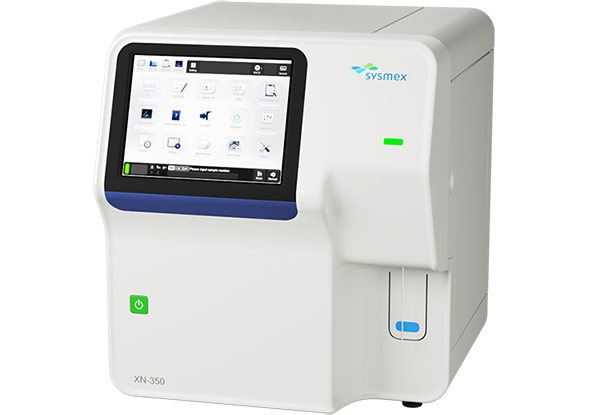
Sysmex
 Interface ready
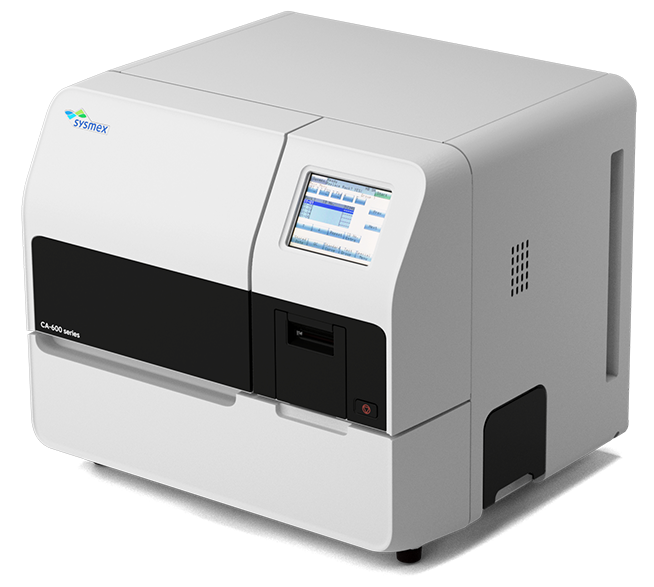
Sysmex CA 600
Scroll sideways to see all 15 analyzers
Available Analyzer Interface Installers
Select the version required for the workstation connected to your laboratory analyzer.
AnalyzerInterfaceInstaller
Version 1.0.89Previous versions 1 version
AnalyzerInterfaceInstaller
Version 1.0.88Standard Operating Procedures
Open a guide in your browser or save a copy for offline use.
Abbott m2000 Setup and Operation SOP
735.9 KB Updated Aug 7, 2026
Biobase FBC Analyzer Setup and Operation SOP
604 KB Updated Aug 7, 2026
Echo Lumena Setup SOP
246.1 KB Updated Jul 22, 2026
Humastar600 Setup and Operation SOP
735.2 KB Updated Aug 7, 2026
m PIMA Analyzer Setup
519.8 KB Updated Sep 14, 2026
Seamaty Analyzer Setup and Operation SOP
579.5 KB Updated Aug 15, 2026
Sysmex Analyzer Setup Manual
374.2 KB Updated Jul 22, 2026
Sysmex CA600 Series Setup and Operation SOP
675.8 KB Updated Aug 14, 2026
No matching SOPs
Try a different analyzer name or search term.